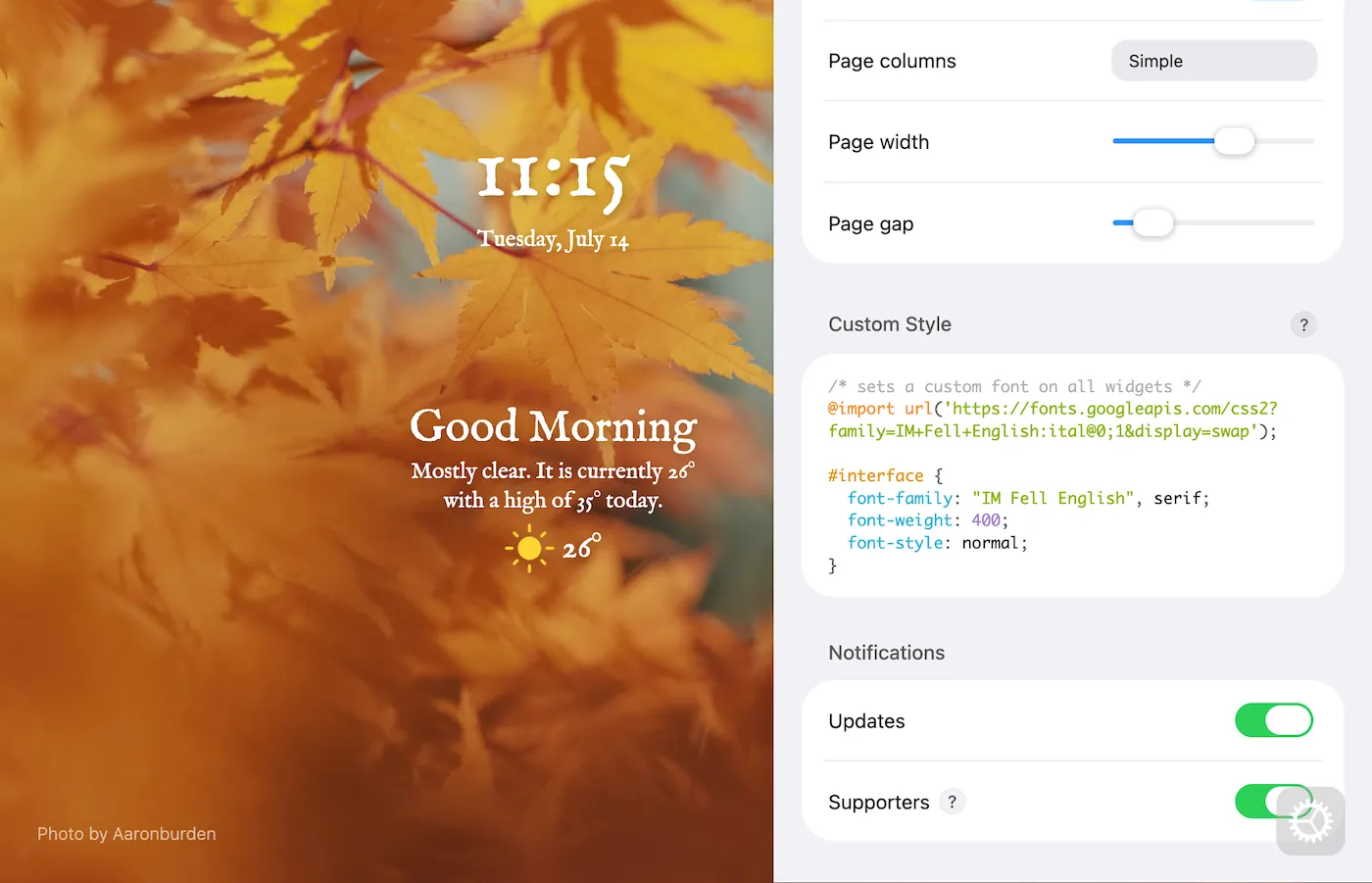
Customise your new tab layout with different widget arrangements and choose from hundreds of fonts.
Это содержимое пока не доступно на вашем языке.
📄 Page layouts
Section titled “📄 Page layouts”Bonjourr offers three page layouts: single, double, and triple column. Each layout has its own widget positions and alignment settings, allowing you to create different setups and switch between them.
The following settings are saved separately for each layout:
- Widget toggle (enable switches)
- All options in grid toolbox
- Reset layout
📚 Fonts
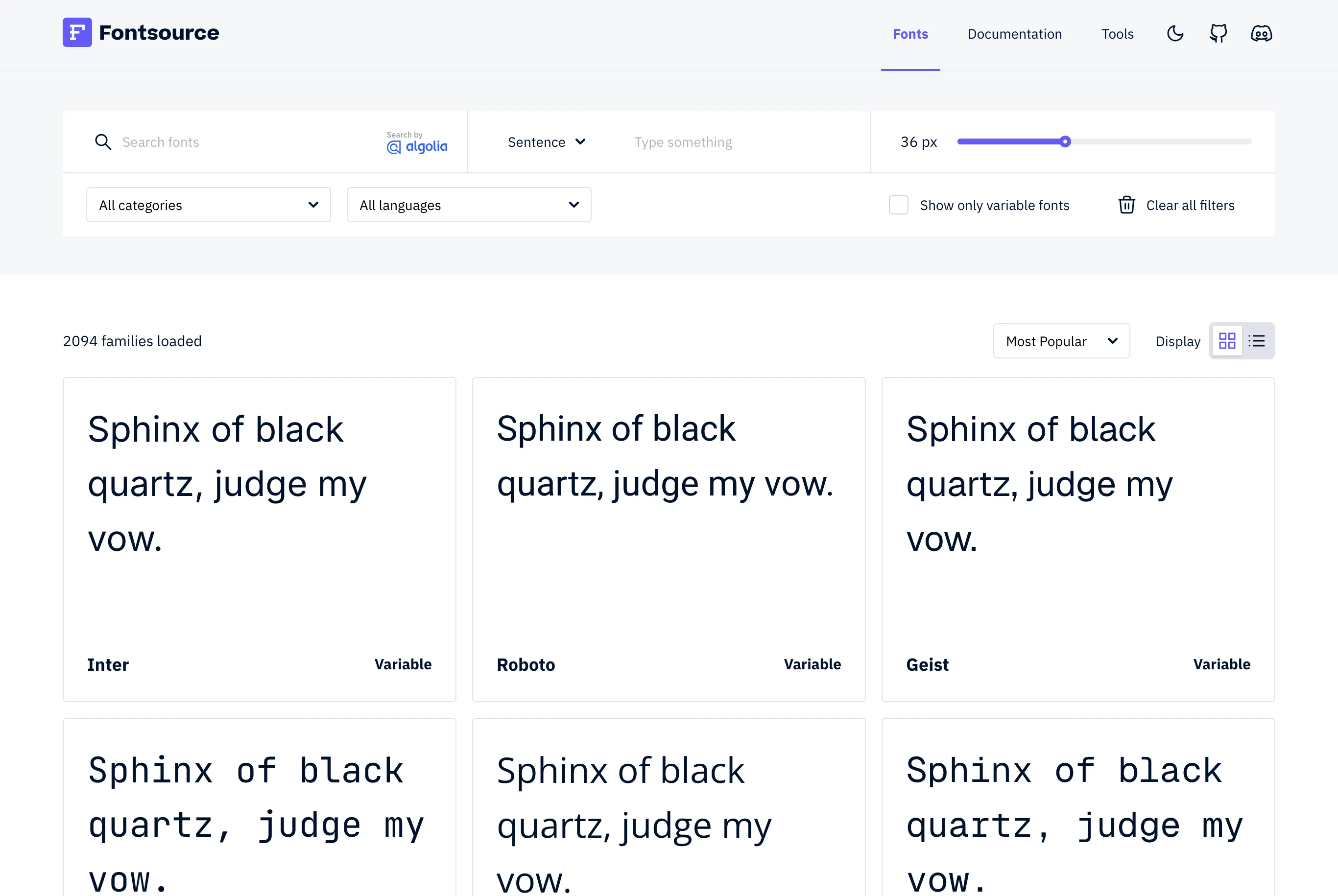
Section titled “📚 Fonts”Bonjourr uses fonts from Fontsource, an open-source font catalog. You can choose from hundreds of typefaces to customise the look and feel of your new tab page.
To preview the available fonts, visit fontsource.org.
But what about other fonts?
Section titled “But what about other fonts?”Use CSS in the Custom Style field and apply to Bonjourr any font that’s installed on your computer. For instance:
/* sets a custom font on all widgets */#interface { font-family: Comic Sans MS;}You can even use the @import or @font-face properties to import fonts from a remote URL coming from Google Fonts or any other font service:
/* sets a custom font from Google Fonts on all widgets */@import url('https://fonts.googleapis.com/css2?family=IM+Fell+English:ital@0;1&display=swap');
#interface, #pomodoro_container {  font-family: "IM Fell English", serif;  font-weight: 400;  font-style: normal;}