Customise your search bar with multiple search engines, suggestions, and support for custom search URLs.
Bonjourr includes a customisable search bar with suggestions and support for your favorite search engines.
Suggestions
Section titled “Suggestions”Search suggestions are enabled by default and are provided through our own API.
You can learn more about how they work, explore the source code, or report issues on GitHub.
View search-suggestions on GitHub
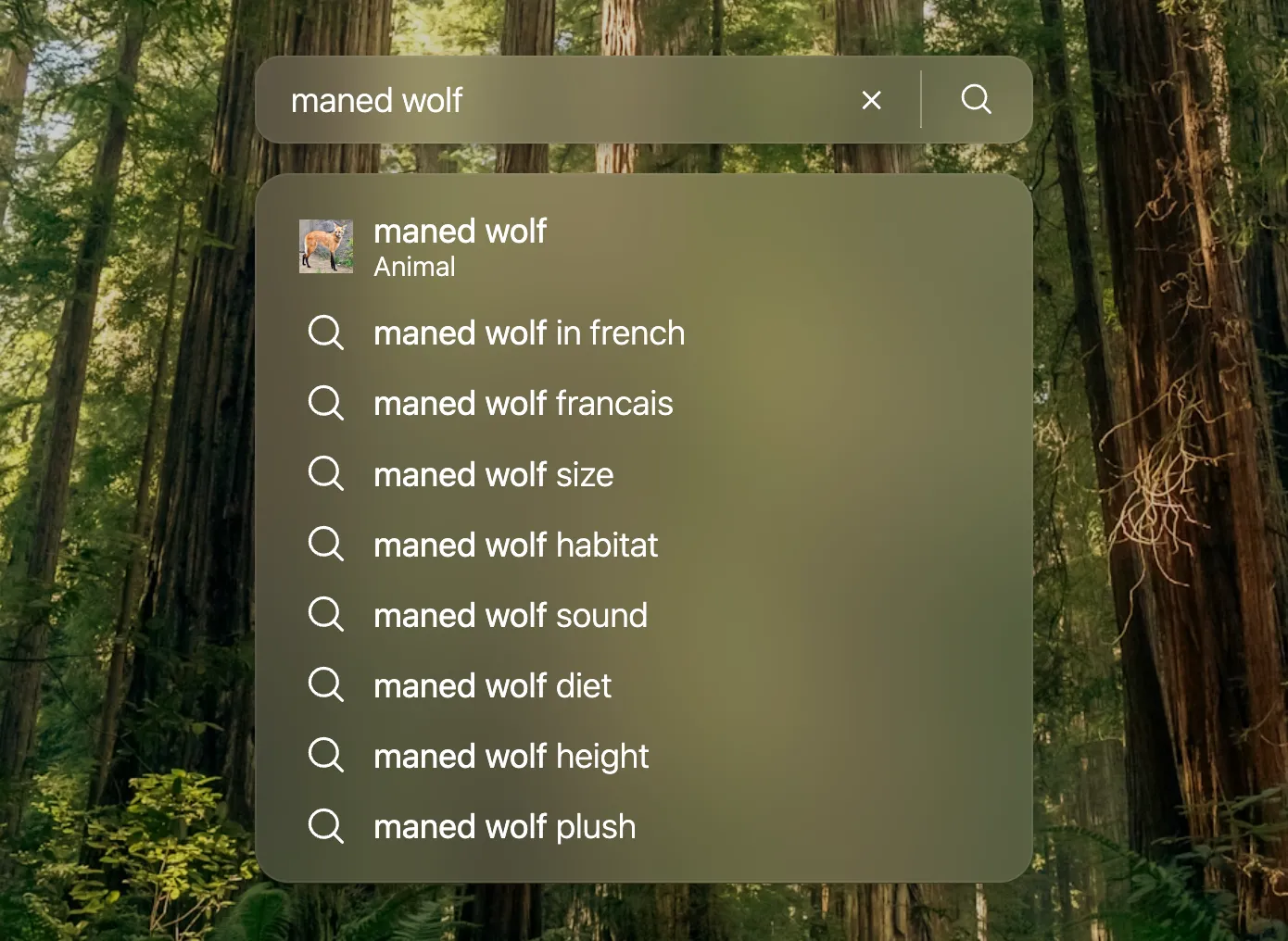
Suggestions can be disabled from the search bar’s settings.
Custom search engines
Section titled “Custom search engines”Bonjourr comes with many search engines built in, but you can also add your own.
-
Select Custom as your search engine
Section titled “Select Custom as your search engine”Open Bonjourr’s settings, go to the Search engine option, and select Custom. A URL request field will appear.
-
Find your search URL
Section titled “Find your search URL”Open the search engine you want to add and perform a search. Copy the URL from your browser’s address bar.
For example, searching for “coffee” on YouTube gives:
https://www.youtube.com/results?search_query=coffee -
Replace the query with
Section titled “Replace the query with %s”%sReplace the search term with
%sso Bonjourr knows where to insert your search query.Example:
https://www.youtube.com/results?search_query=%s -
Paste the URL into Bonjourr
Section titled “Paste the URL into Bonjourr”Paste the modified URL into the URL request field. Your custom search engine is now ready to use.
This method works with most search engines, making Bonjourr compatible with almost any service that supports URL-based searches.