Display current weather based on your location and customise greeting messages shown on your new tabs.
Это содержимое пока не доступно на вашем языке.
Weather
Section titled “Weather”Right-click the Weather & Greetings widget to open its settings. From there, you can change things such as geolocation, temperature units, how Bonjourr greets you and a few other things.
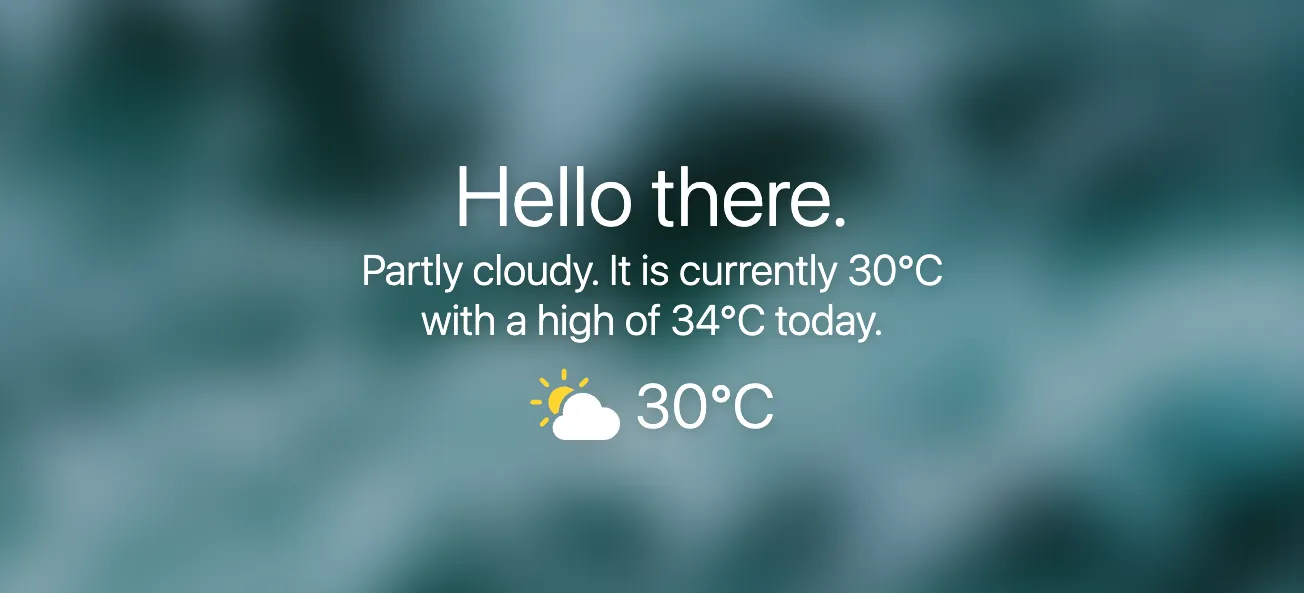
Geolocation
Section titled “Geolocation”Approximate
Section titled “Approximate”IP-based geolocation, not that precise but good enough for most cases and doesn’t require any permission.
Precise
Section titled “Precise”More accurate geolocation but requires a permission. Some browsers (especially Safari) can be problematic with it, which is why we recommend choosing Manual instead.
Manual
Section titled “Manual”Choose which city you want the weather from, probably the best choice overall if you want accuracy and aren’t much of a nomad.
Detailed weather
Section titled “Detailed weather”“Detailed weather” allows you to easily get to a weather provider’s website to get a detailed weather report. Once enabled, you can click on the weather widget to go to your chosen website.
⚠️ Bonjourr is not affiliated with MSN, AccuWeather, Yahoo!, or Windy.com.
Customise weather icons
Section titled “Customise weather icons”Greetings
Section titled “Greetings”Personalise how Bonjourr greets you throughout the day.
Custom greeting
Section titled “Custom greeting”
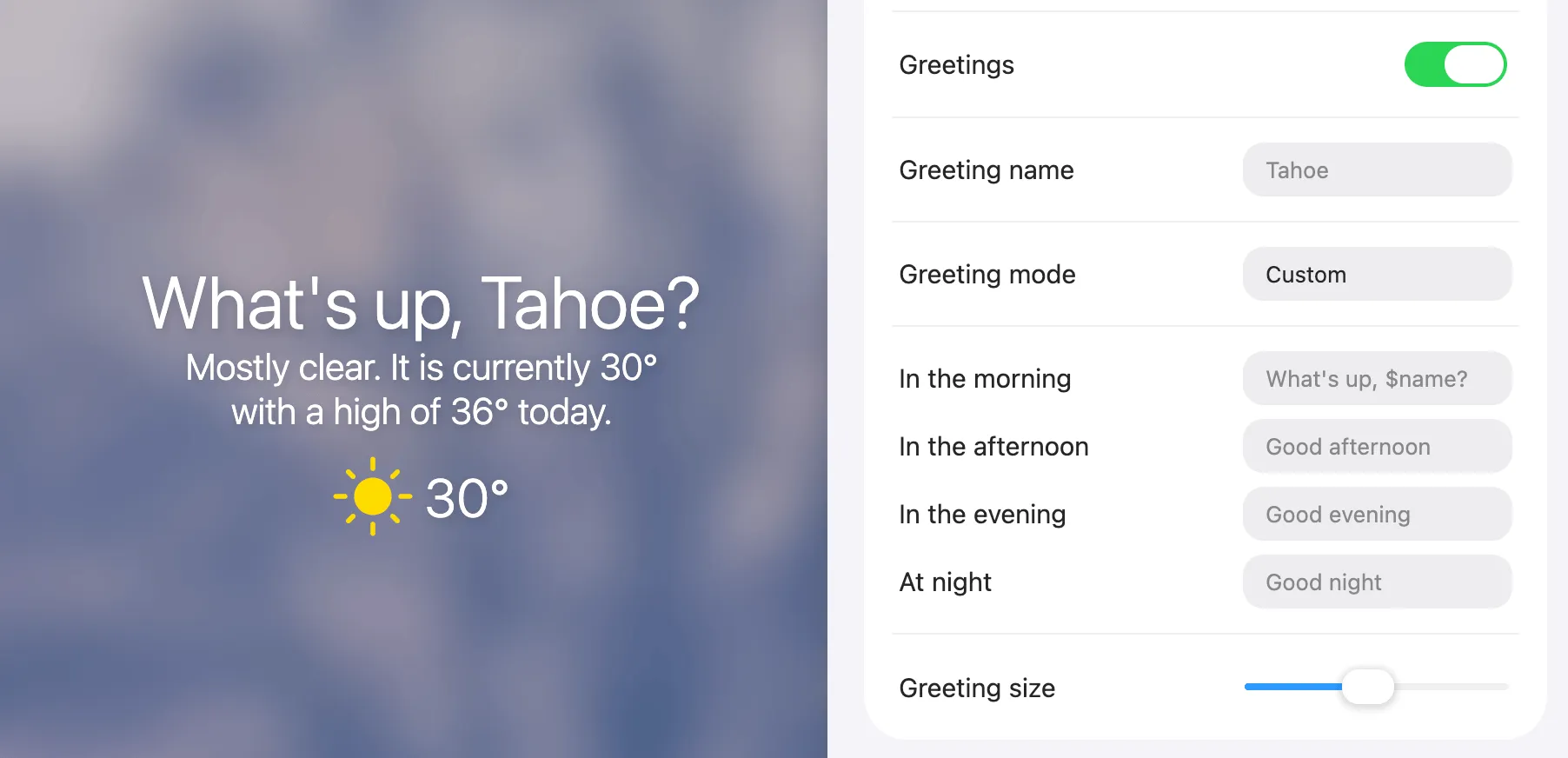
Switch the greeting mode to Custom to define exactly how messages are displayed. Use the $name variable to insert your configured name dynamically.
Example: Welcome home, $name! → Welcome home, John!