Customise your background with curated images and videos, local files, remote URLs, or solid colors.
Bonjourr lets you personalise your new tab with dynamic backgrounds. Choose from curated image and video collections, your own files, remote URLs, solid colors, and more.
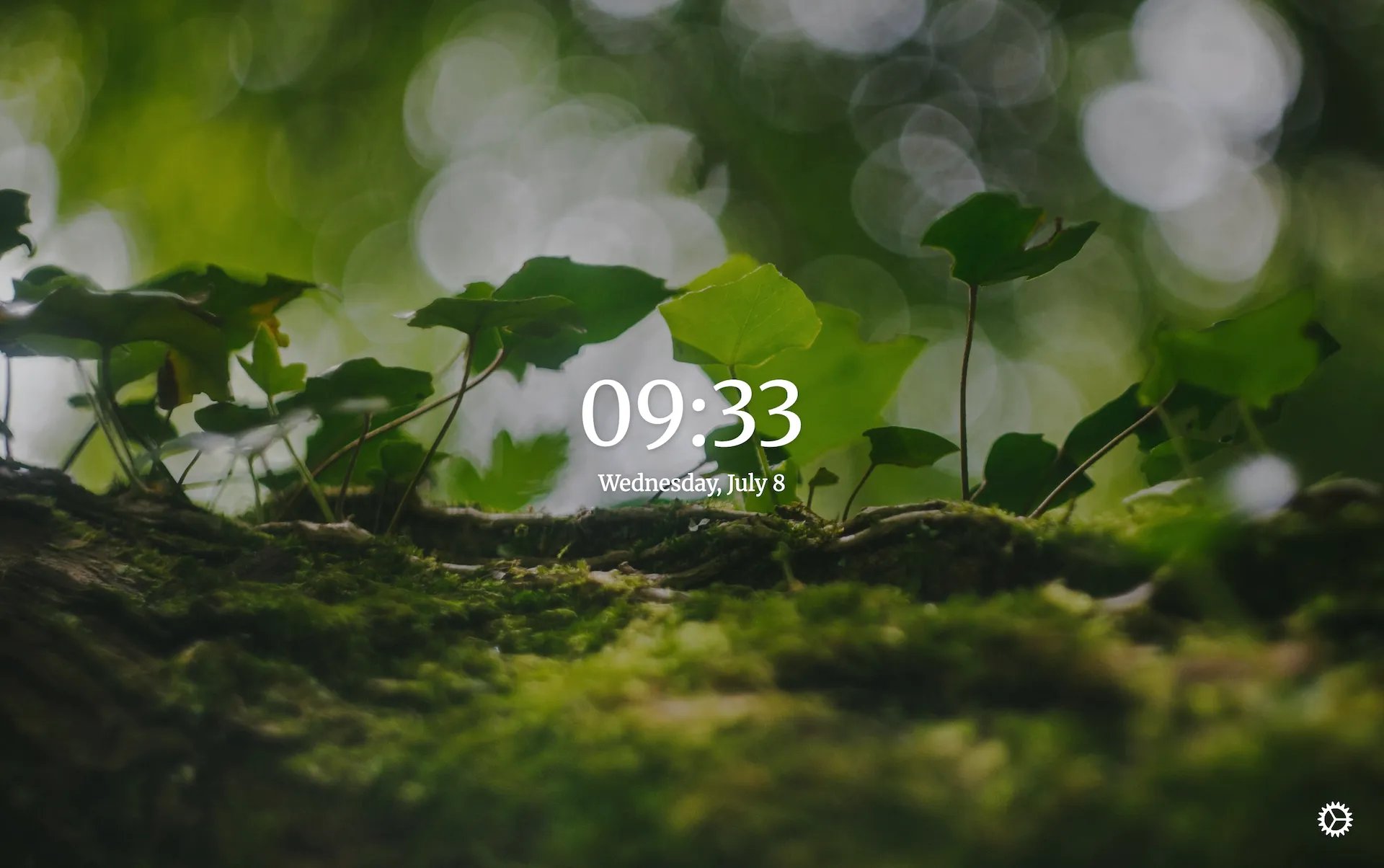
Images
Section titled “Images”Use your own image sources or let Bonjourr provide curated photography through Unsplash.
Bonjourr Daylight
Section titled “Bonjourr Daylight”By default, Bonjourr uses the Unsplash API to fetch its backgrounds from a feature we call Bonjourr Daylight. Images are manually curated into four collections that change according to the time of the day:
- One for the morning (2h around sunrise).
- One for the day.
- One for the evening (2h around sunset).
- And one for the night.
Unsplash Collections
Section titled “Unsplash Collections”You can use any collection on Unsplash as a background source in Bonjourr. This allows you to either:
- Use the vast database of collections made by other users,
- Create your own collections of carefully curated images from Unsplash.
How to use an existing Unsplash collection
Section titled “How to use an existing Unsplash collection”-
Find an Unsplash collection
Section titled “Find an Unsplash collection”Go to unsplash.com, search for a topic you’re interested in, click the ▾ More button, then click Collections and choose a collection you like.
-
Copy the collection ID
Section titled “Copy the collection ID”The collection ID is part of the URL. For example, if the URL is:
https://unsplash.com/collections/2170139/wolfdogs-of-unsplash,then the collection ID is:
2170139 -
Paste the ID into Bonjourr
Section titled “Paste the ID into Bonjourr”In Bonjourr, enable Show all settings at the top of the settings panel. Paste the collection ID into the Unsplash collection field. You can use multiple collections by separating their IDs with commas.
Unsplash Search
Section titled “Unsplash Search”If you have a theme in mind, you can use the Unsplash Search feature and let Unsplash do the work for you: just type in a keyword and it will start fetching backgrounds related to that keyword. You can even set several of them by separating them with a comma.
The URLs option is another way to import your own images into Bonjourr, but instead of having them on your computer, you source them from a remote server.
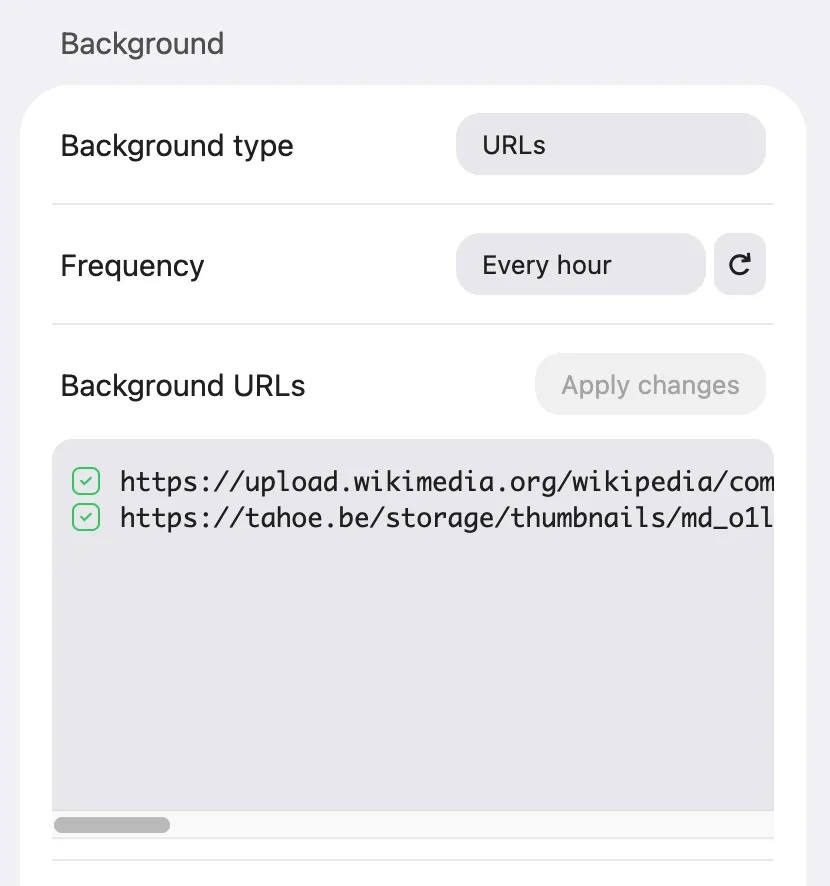
This is great if you want more flexibility. If you’re a power user, you could do something like setting up a dynamic URL where the backgrounds change according to your exact preferences, such as certain times of the day or month.
The Background URLs option has another advantage over Local files: it can be synced across browsers.
Videos
Section titled “Videos”Thanks to Pixabay’s free video library, Bonjourr lets you set videos as your backgrounds. Video backgrounds add motion to your new tab, but they require more processing power than images and may increase battery usage.
Additionally, we try to go out of our way to never integrate AI generated content to our background collections. If anything AI were to slip through, be sure to tell us about it via email and we’ll gladly remove it.
Bonjourr Daylight
Section titled “Bonjourr Daylight”Just like with images, Bonjourr also offers curated video backgrounds that change with the time of day.
Pixabay Search
Section titled “Pixabay Search”Similar to Unsplash Search, you can enter keywords in Bonjourr to fetch related videos from Pixabay’s library.
Local files (images & videos)
Section titled “Local files (images & videos)”The local files option allows you to easily set images or videos from your device to Bonjourr.
Click + Add new to import files from your computer. Most video and image file formats are supported, and Bonjourr will handle duplicates if need be.
By selecting an image or video and clicking “Options”, you can individually adjust the positioning, size and playback speed of each file. Reducing the zoom to its minimum sets the size automatically.
Solid color
Section titled “Solid color”The solid color option allows you to choose a specific color for your background if you like to keep things especially minimalist.
Texture overlay
Section titled “Texture overlay”Textures are decorative overlays applied on top of any background. There are many types you can try, and they will typically look better over a blurred background or a solid color.
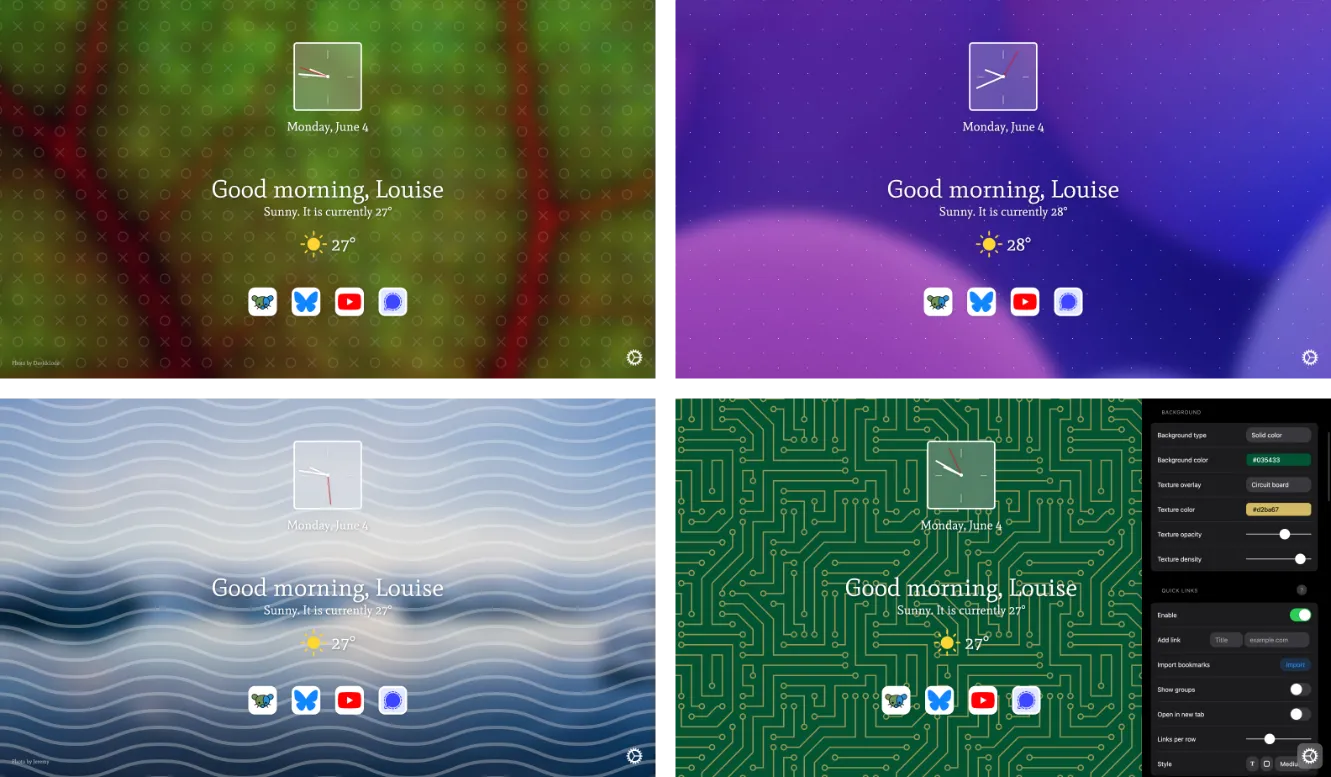
Most textures can be edited through their color, opacity and density to get to the perfect result.
Fade in time
Section titled “Fade in time”Control how long the background takes to fade in when opening a new tab.
Setting the slider to the minimum disables the transition. This may cause a brief flicker while image and video backgrounds load.