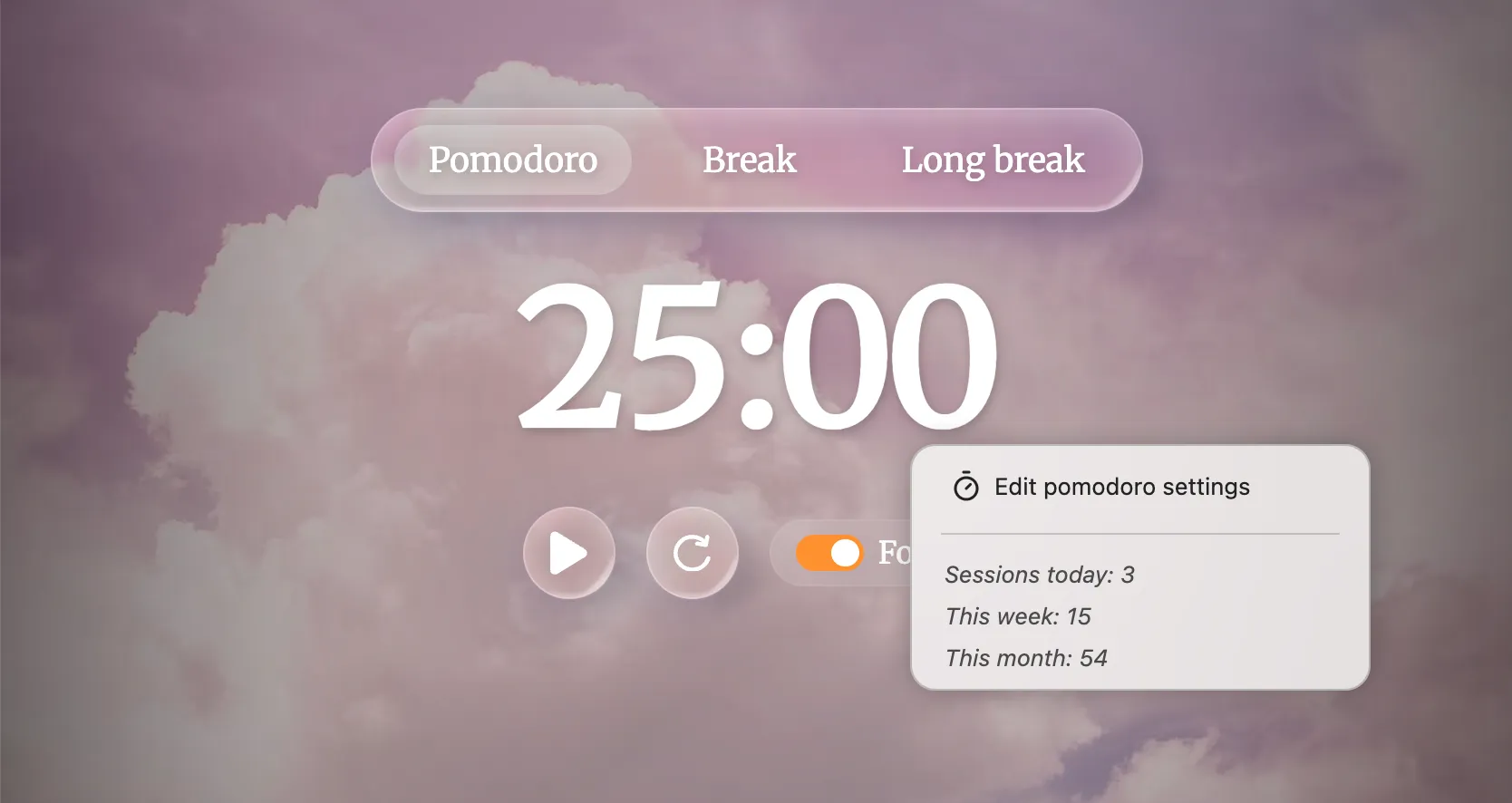
Use the Pomodoro Technique directly in Bonjourr with customisable work sessions, breaks, and focus mode.
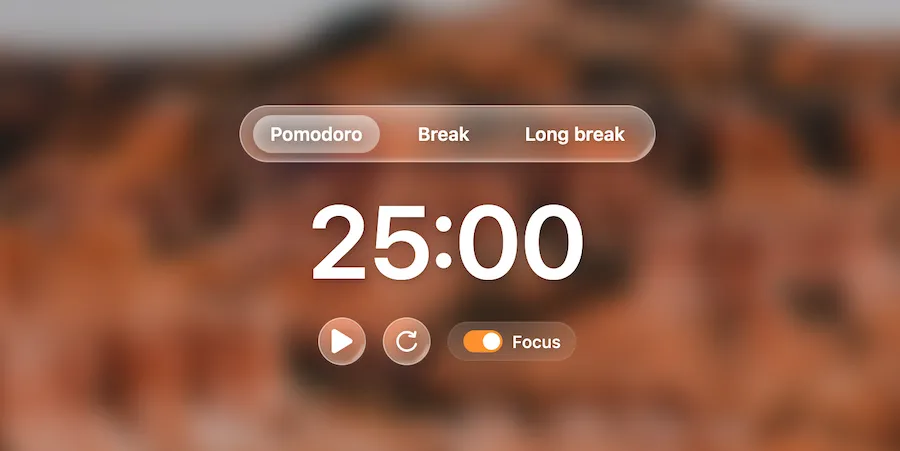
The Pomodoro widget allows you to use the Pomodoro Technique in Bonjourr, a time management method designed to help you work more efficiently.
How to use the pomodoro?
Section titled “How to use the pomodoro?”The widget shall be used as per the original technique:
-
Decide on the task to be done.
-
Set the Pomodoro timer (typically for 25 minutes).
-
Work on the task.
-
End work when the timer rings and take a short break (typically 5–10 minutes).
-
Go back to Step 2 and repeat until you complete four pomodori.
-
After four pomodori are done, take a long break (typically 20 to 30 minutes) instead of a short break. Once the long break is finished, return to step 2.
The Pomodoro widget keeps track of time even if you close Bonjourr (although won’t ring if no Bonjourr tab is open). Use the Focus mode to avoid being tempted by your Quick Links or other widgets.
You can edit the time of each mode in the widget’s settings, when Show all settings is enabled. Similarly, you can change the alarm’s tune and volume from the settings.
Can I get usage statistics?
Section titled “Can I get usage statistics?”Right-click the Pomodoro widget to get some statistics about your recent usage.