Time and date settings let you customise the clock appearance, format, and display multiple time zones with world clocks.
Это содержимое пока не доступно на вашем языке.
General usage
Section titled “General usage”Right-click the clock and date widget to open its settings. From there, you can adjust time zones, date format, size, and other display options.
Digital clock
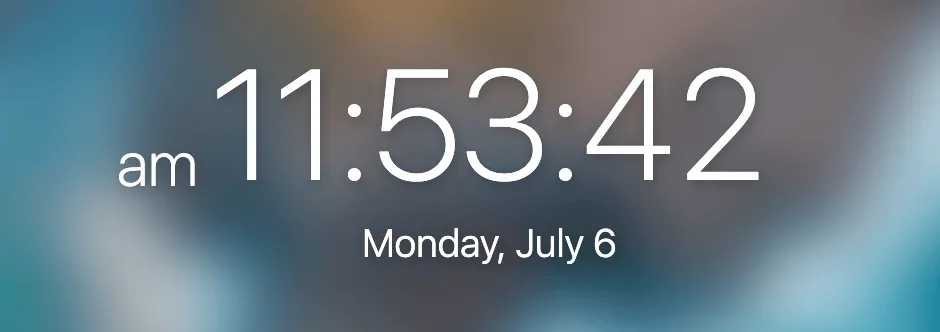
Section titled “Digital clock”The default digital clock includes standard configuration options such as 12/24-hour format, seconds display, and AM/PM indicators.
Analog clock
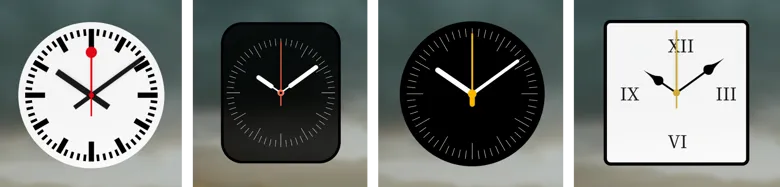
Section titled “Analog clock”If you’re feeling fancy, Bonjourr integrates an analog clock option that is quite customisable. Shape, face, hands, background, border… There is much you can change to create your own perfect looking clock.
Some good things to know during customisation:
- Clicking the 🌙/☀️ icons on the sliders will switch from black to white.
- The analog clock background is blurred when its opacity is above 0.
- Enabling seconds on the analog clock is generally advised.
World clocks
Section titled “World clocks”
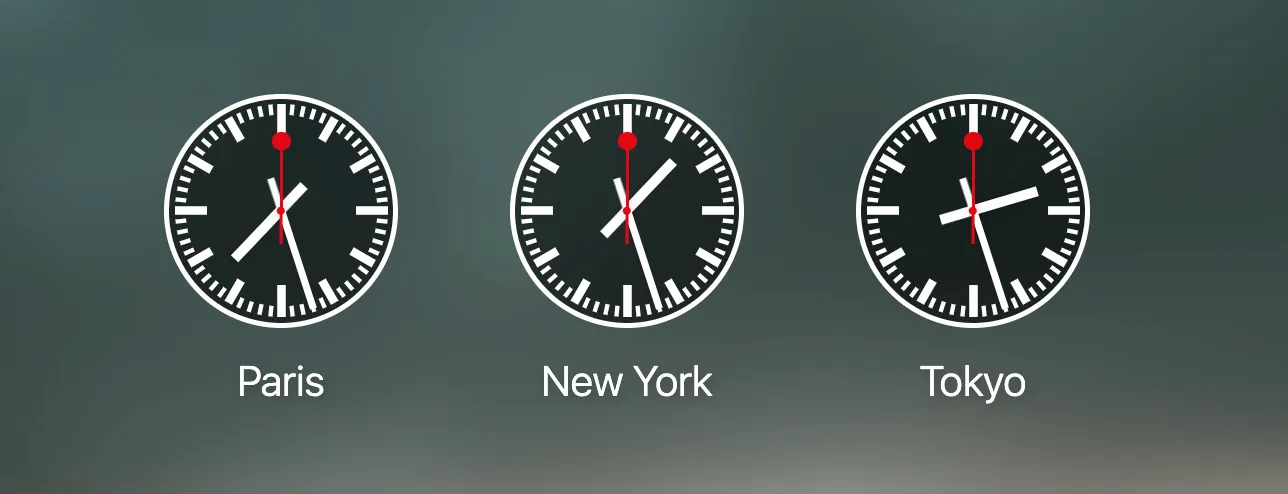
World clocks allows you to add multiple clocks with different time zones. Removing the name of a world clock will remove the clock entirely.