Customise Bonjourr beyond the built-in settings with ready-to-use CSS snippets for colors, widgets, backgrounds, and more.
Bonjourr’s built-in settings cover most customisation needs, but CSS snippets let you go even further. Simply copy and paste a snippet into the Custom CSS section to tweak or extend Bonjourr’s appearance.
How to use CSS snippets?
Section titled “How to use CSS snippets?”Colors and icons
Section titled “Colors and icons”Add or change some colors
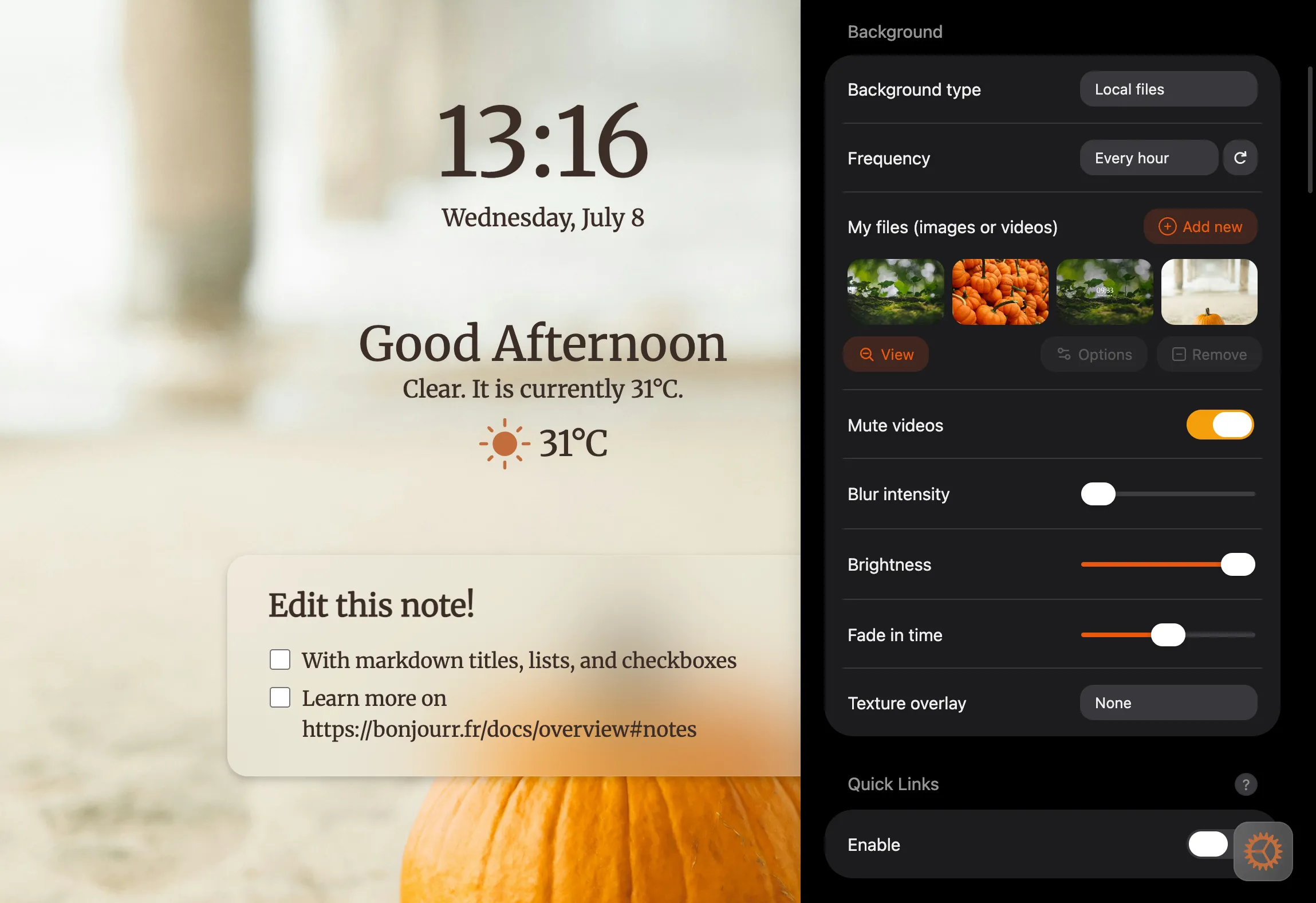
Section titled “Add or change some colors”Using CSS variables, you can easily change the font and icon colors in Bonjourr.
Reveal CSS snippet
:root {  /* overrides the built-in font color option (only rgb values) */  --font-color: 60 45 40!important;
  /* for text on blurry elements (notes, searchbar... (only rgb values)) */  --font-on-blur-color: 60 45 40;
  /* weather & settings icon (any kind of color code) */  --icon-color: #c26d3b;
  /* the following are mostly just for the settings ⤵️ */  /* blue accents all over (only rgb values) */  --accent-color: 234 88 12;
  /* settings toggles (only rgb values) */  --color-green: 245 158 11;}
Customise widget colors individually
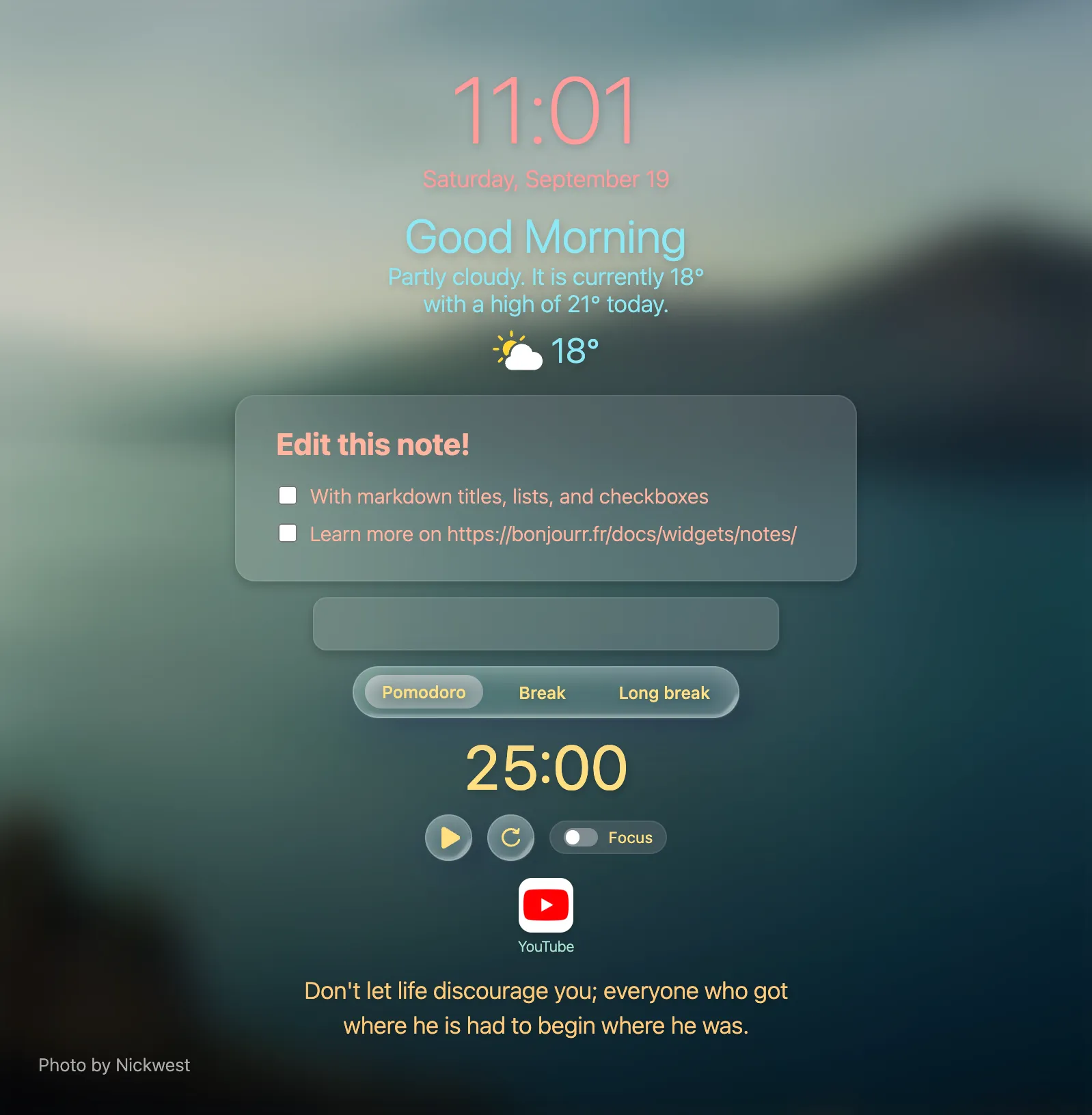
Section titled “Customise widget colors individually”If you need even more control over your text colors, you can change them individually for each widget.
Reveal CSS snippet
/* time and date */#time {  color: #FF9B9B;}
/* weather and greetings */#main {  color: #8DE8F5;}
/* pomodoro */#pomodoro_container,#pomodoro_container .glass,#pomodoro_container #bottomControls {  color: #FFE082;}
/* search bar and suggestions */#sb_container #searchbar,#sb_container #sb_empty,#sb_container #sb-suggestions {  color: #D5B8F5;}
/* notes */#pocket-editor {  color: #FFB49F;}
/* quick links */#linkblocks {  color: #A8E6CF;}
/* quotes */#quotes_container {  color: #FFC978;}
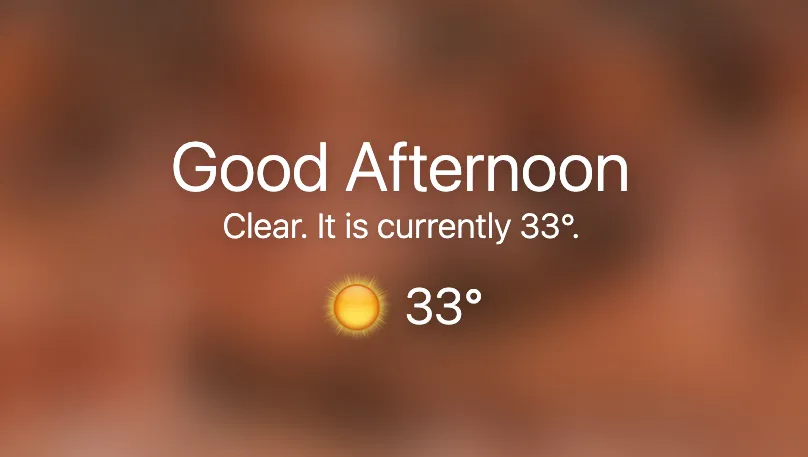
Custom weather icons
Section titled “Custom weather icons”
Reveal CSS snippet
    /* overrides the default weather icons */
/* replaces the day clear sky icon */.weather-icon#weather-day-clearsky {    /* set any direct URL to an image */    background-image: url("https://i.imgur.com/OYUvHWD.png");}
/* hides the default weather icon */.weather-icon * { display: none;}| Icon | Condition | Day ID | Night ID |
|---|---|---|---|
| Broken clouds | weather-day-brokenclouds | weather-night-brokenclouds | |
| Clear sky | weather-day-clearsky | weather-night-clearsky | |
| Few clouds | weather-day-fewclouds | weather-night-fewclouds | |
| Light rain | weather-day-lightrain | weather-night-lightrain | |
| Mist | weather-day-mist | weather-night-mist | |
| Overcast clouds | weather-day-overcastclouds | weather-night-overcastclouds | |
| Rain | weather-day-rain | weather-night-rain | |
| Snow | weather-day-snow | weather-night-snow | |
| Sunny rain | weather-day-sunnyrain | ||
| Thunderstorm | weather-day-thunderstorm | weather-night-thunderstorm |
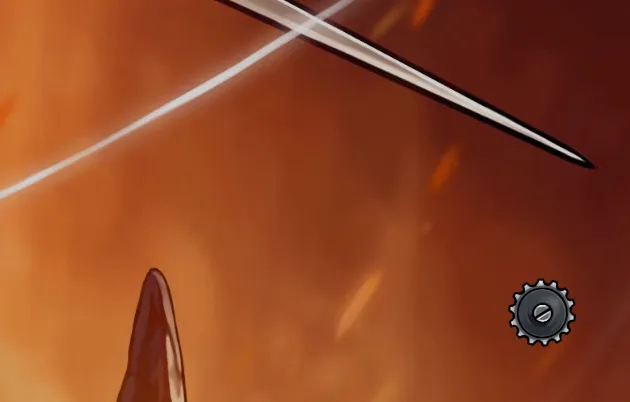
Custom settings icon
Section titled “Custom settings icon”
Reveal CSS snippet
/* custom settings icon */
#show-settings svg {  /* replace the link with any other direct URL to an image */  background-image: url("https://i.imgur.com/n6C8rGA.png");  background-repeat: no-repeat;  background-position: center;  background-size: contain;}
#show-settings svg * {  display: none;}
Search bar
Section titled “Search bar”Making the search bar round
Section titled “Making the search bar round”
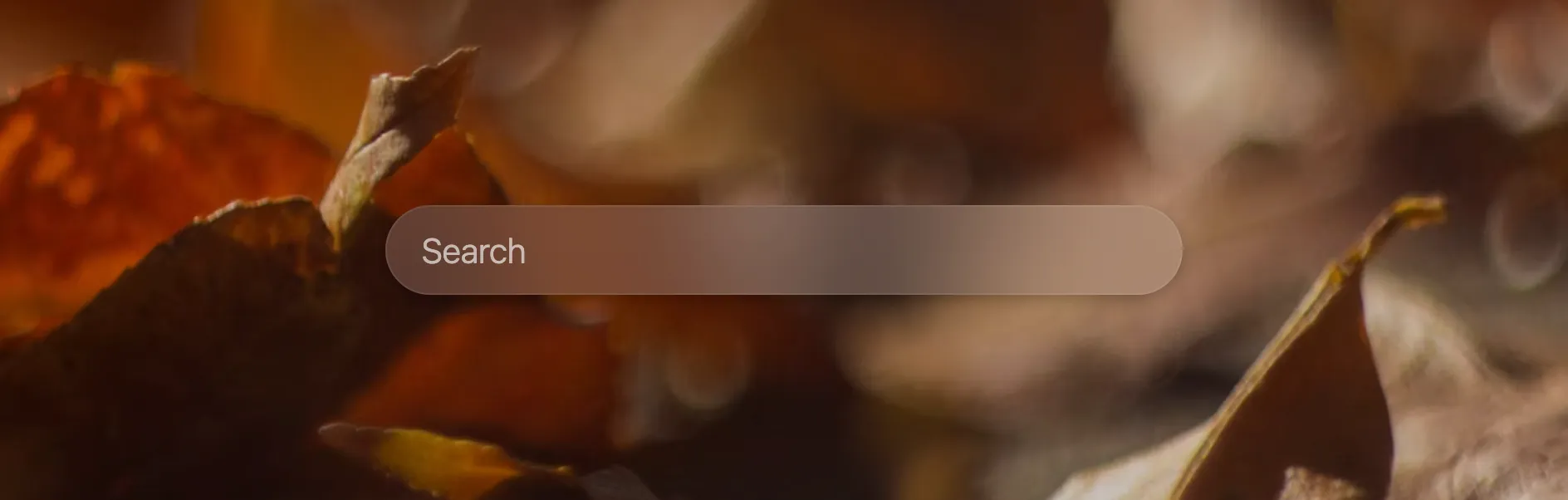
Reveal CSS snippet
/* round searchbar */#sb_container, #searchbar-wrapper { border-radius: 100px;}Adding a logo to the left of the searchbar
Section titled “Adding a logo to the left of the searchbar”
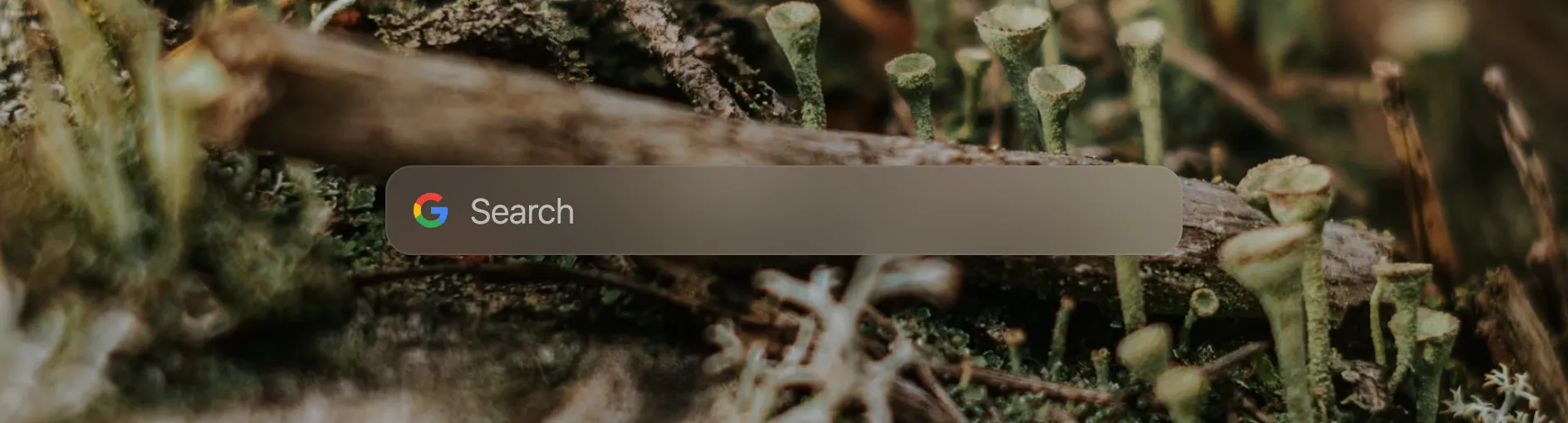
Reveal CSS snippet
/* adds logo to the searchbar */#searchbar { /* use any direct link to an image you want */ background: url('https://upload.wikimedia.org/wikipedia/commons/c/c1/Google_%22G%22_logo.svg') no-repeat 15px center; /* you might need to play around with the two following values to get to a fitting result */ background-size: 23px; padding-left: 47px;}Submitted by Kim Visnes
Custom clock font
Section titled “Custom clock font”Replace the font names with any font installed on your computer. Learn more
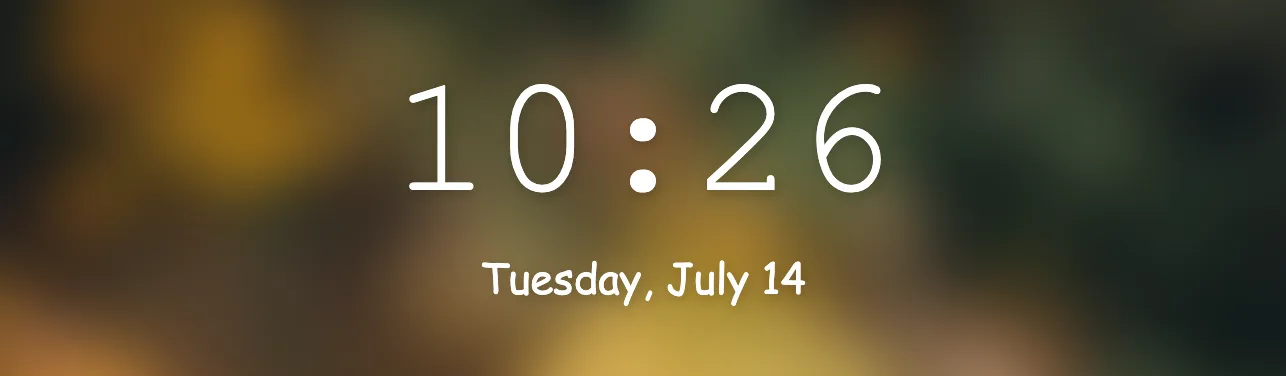
Reveal CSS snippet
.digital {  font-family: "Courier New";  /* the higher the number, the bolder */  font-weight: 400;}
/* You can do the same with the date */.clock-date {  font-family: "Comic Sans MS";  font-weight: 400;}
I like my clocks thick
Section titled “I like my clocks thick”Makes the analog clock thicker.
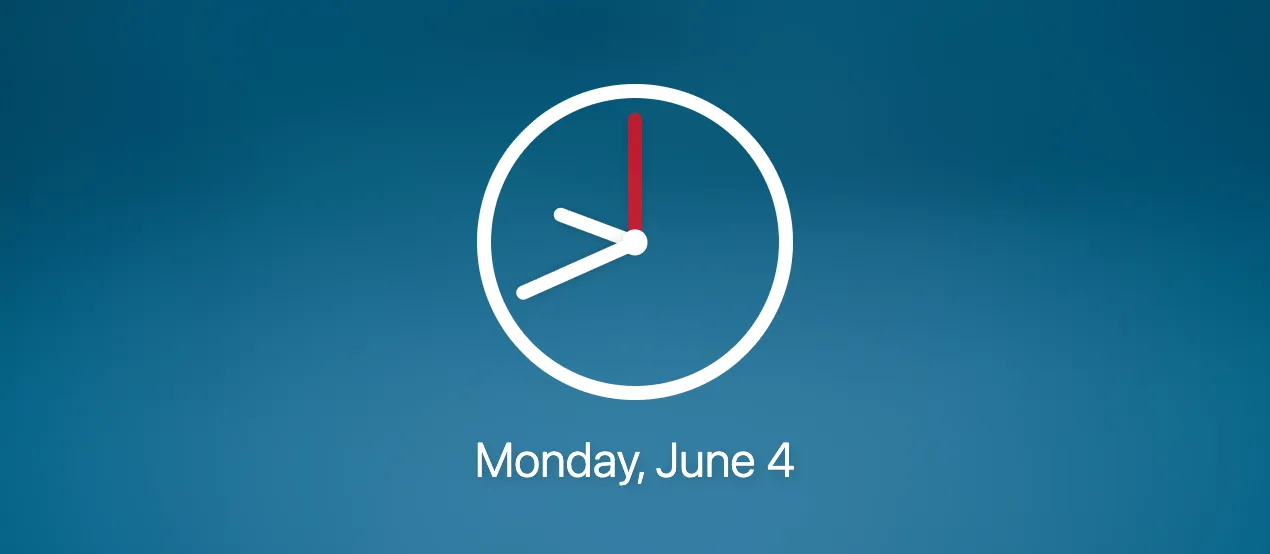
Reveal CSS snippet
/* change analog clock width */.analog {  border: calc(var(--clock-size) * 0.4) solid;}
.analog-minutes, .analog-hours, .analog-seconds {  width: calc(var(--clock-size) * 0.4);}
.analog-center {  width: calc(var(--clock-size) * 0.7);  height: calc(var(--clock-size) * 0.7);}
Rolex 😎
Section titled “Rolex 😎”Transforms the analog clock into a Rolex.
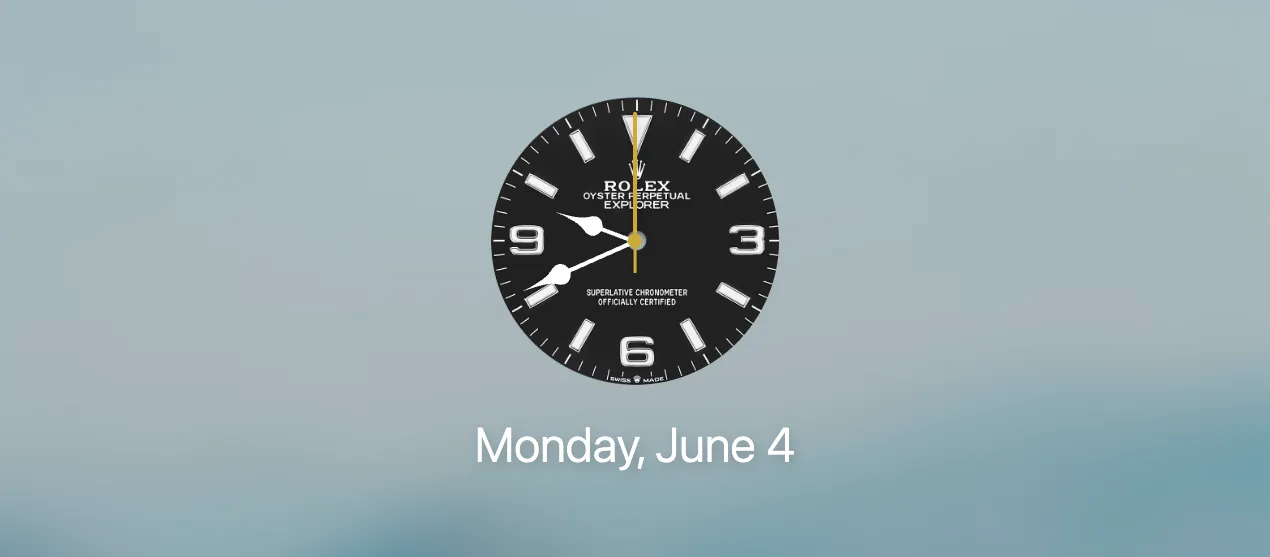
Reveal CSS snippet
/* Rolex 😎 */.analog-face,.analog-face:hover {  border-radius: 100%;  background-size: cover;  background-image: url('https://i.imgur.com/AYupb7G.png');  /* light version  background-image: url('https://i.imgur.com/TT3oBcz.png'); */}
.analog {  border: unset;}
Quick Links
Section titled “Quick Links”Glassy icon background
Section titled “Glassy icon background”Bored of the white icon background but still want a background for your links? This frosted glass effect might suit you better.
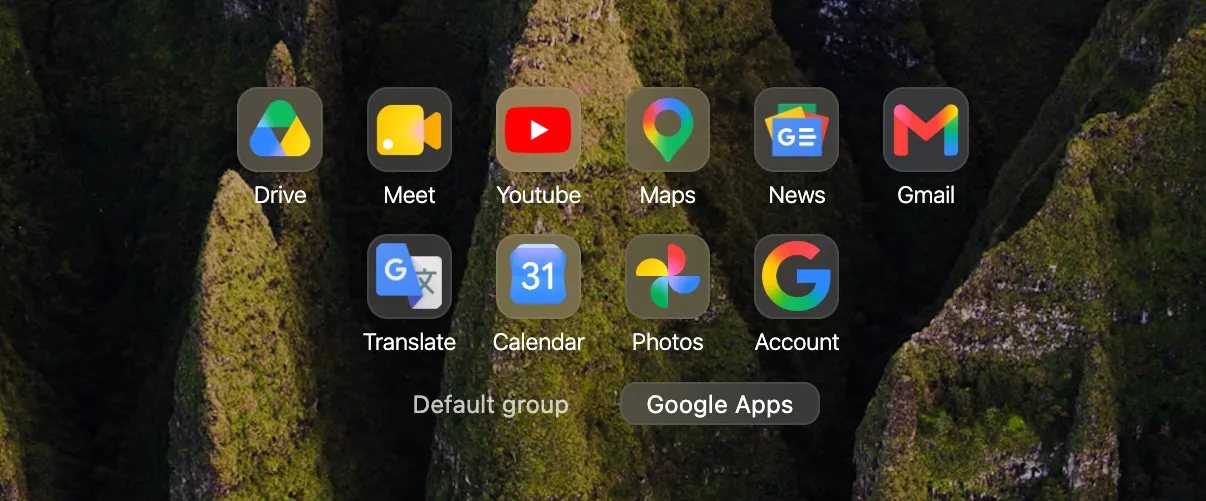
Reveal CSS snippet
.backgrounds .link .link-icon { background-color: #fff2; backdrop-filter: blur(2em); border: 1px solid #fff1;}Limit my most visited Quick Links
Section titled “Limit my most visited Quick Links”/* Sets a limit to your most visited links (replace 5 with how many links you want) */.synced .link-list > :nth-child(n+5) { display: none;}Backgrounds
Section titled “Backgrounds”Contain background (good for portrait images)
Section titled “Contain background (good for portrait images)”Sometimes if you want to use portrait images as your background, it can be nice to have them uncropped.
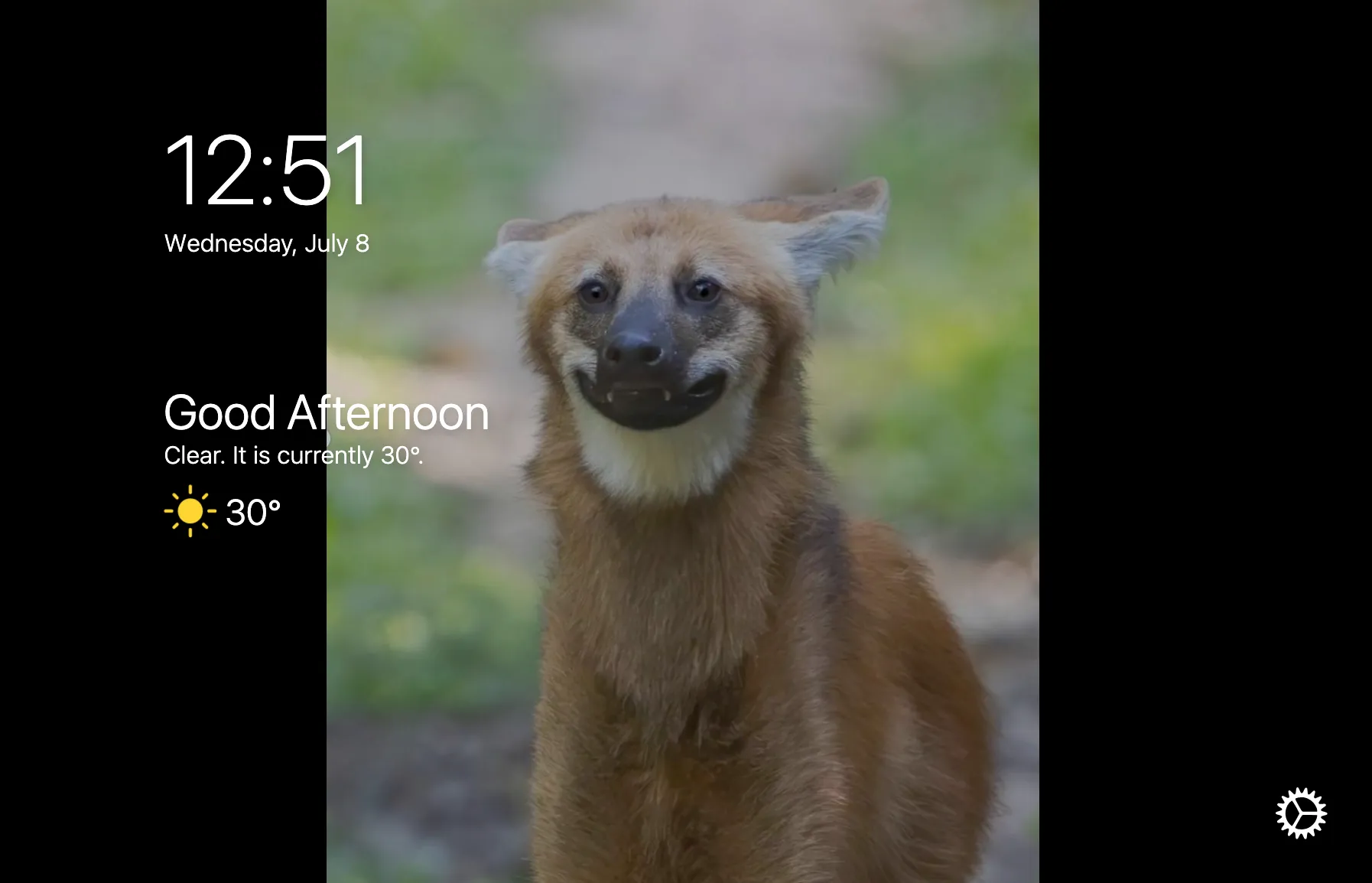
Reveal CSS snippet
/* shows the full background image with no cropping (black bars), useful if you have a portrait orientation background */#background-media .background-image {  background-size: contain!important;  background-repeat: no-repeat;  transform: scale(1); /* try 0.9 if you want margins at the top and bottom as well */}
body { /* accepts any hexadecimal color value, like #417781 */ background-color: black;}Transparent background (Zen browser)
Section titled “Transparent background (Zen browser)”
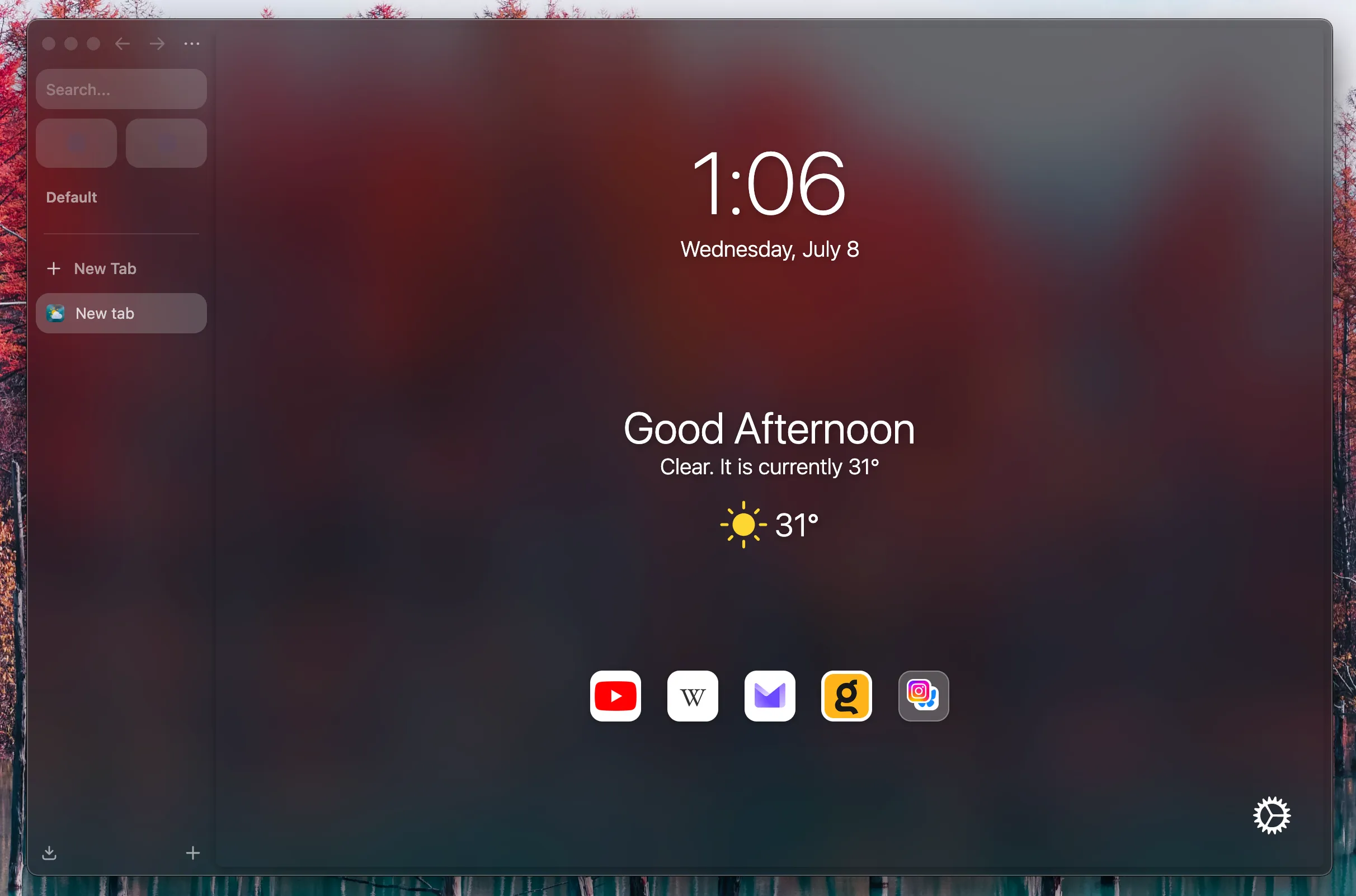
Reveal CSS snippet
/* Hides regular backgrounds to make Bonjourr transparent. */#background-media, #background-color {  display: none!important;}
.tabbing {  background-color: transparent !important;}
body {  background-color: transparent !important;}
#credit {  visibility: hidden;  opacity: 0;  transition: opacity 0.4s, visibility 0.4s;}
#credit-container:hover #credit {  visibility: visible;  opacity: 1;}
Miscellaneous
Section titled “Miscellaneous”I don’t care about artist exposure
Section titled “I don’t care about artist exposure”/* Hides photo author credits. */
#credit { visibility: hidden; opacity: 0; transition: opacity 0.4s, visibility 0.4s;}
#credit-container:hover #credit { visibility: visible; opacity: 1;}No GPU, only CPU 😠
Section titled “No GPU, only CPU 😠”/* This disables graphics intensive "backdrop-filter" style property on some elements. */
#bookmarks_container,#bookmarks,#element-mover,.move-overlay { backdrop-filter: none !important;}
#editlink,#bookmarks,#element-mover { background-color: #f2f2f7;}
body.dark #editlink,body.dark #bookmarks,body.dark #element-mover,body.autodark #editlink,body.autodark #bookmarks,body.autodark #element-mover { background-color: #222;}For laggy computers
Section titled “For laggy computers”This can improve Bonjourr’s performance on older hardware
/* Disables most settings transitions and animations. */#settings .as,#settings,.move-overlay {  transition: none;}
#interface {  transform: translateX(0) !important;  transition: none !important;}