How to export and import my settings?
Section titled “How to export and import my settings?”Bonjourr allows you to export all your settings into a file. You can use this feature if you want to save them or share them with someone. You will in turn be able to import said settings into any instance of Bonjourr.
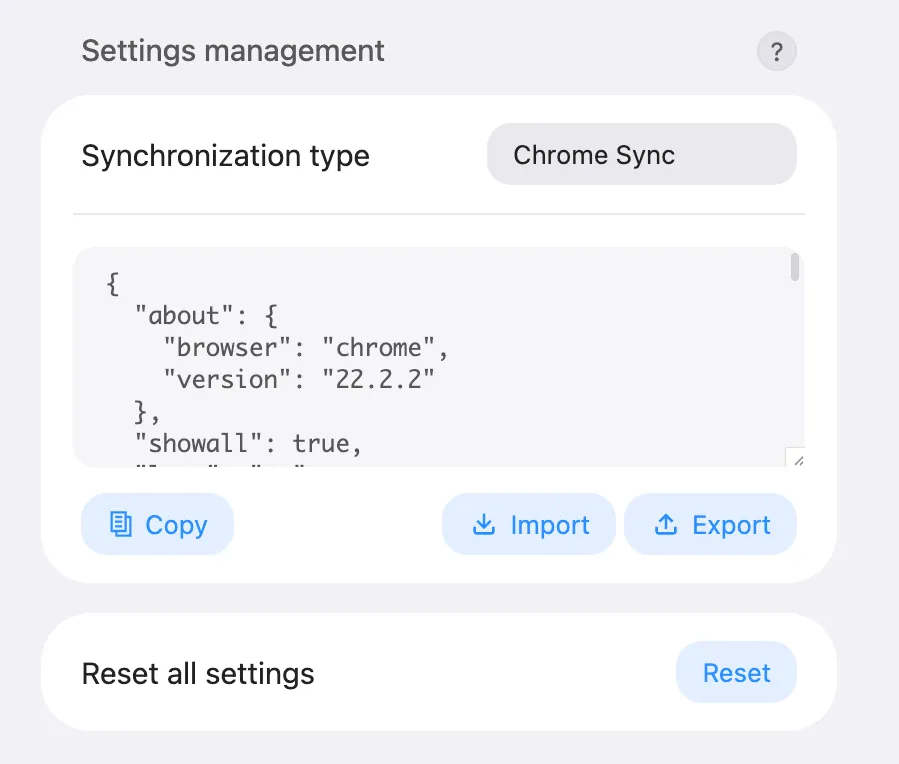
To do so, simply go to the bottom of your settings pannel, then click the Export button in the settings management. Your file will be downloaded. On your other instance of Bonjourr, click the Import button and select your previously exported file. Bonjourr will reload and all your settings will be applied.
You can edit it manually with any text editor, and will find references to what each section corresponds to here.
How to reset Bonjourr?
Section titled “How to reset Bonjourr?”You’ll find the Reset button at the very bottom of Bonjourr’s settings panel. Hit it twice and all your settings will be deleted, resetting the extension back to its factory state.