Review or donate notification
Section titled “Review or donate notification”This notification encourages you to donate to the project or leave a review.
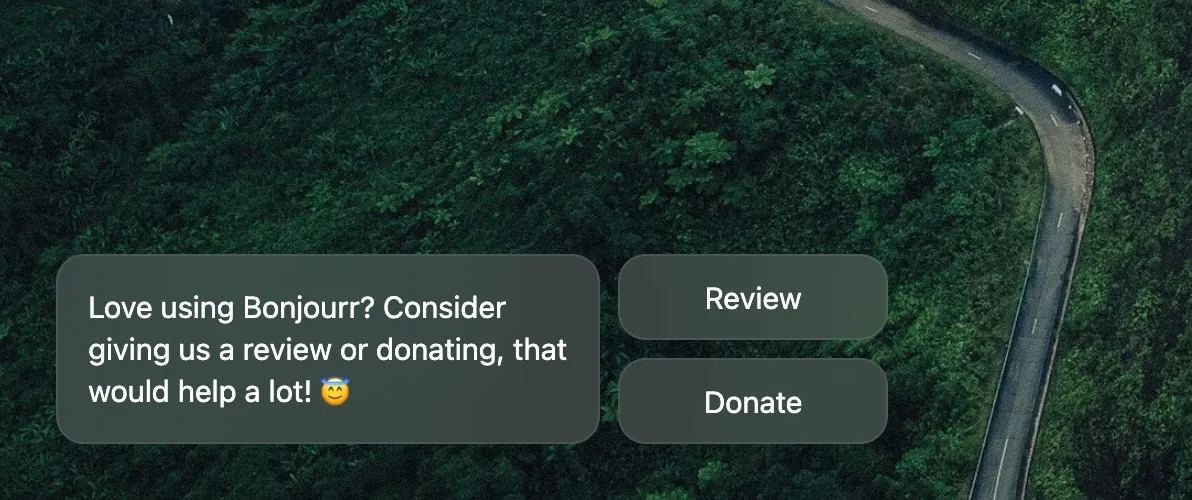
It usually shows up after you’ve been using Bonjourr for a few days, and in the recent updates, goes away automatically after a while if you don’t interact with it.
Update notification
Section titled “Update notification”The rarest type of notifications in Bonjourr! They’ll usually inform you of our brand new major update and link to its corresponding blog post. Do check it out, it’s human-written 👀
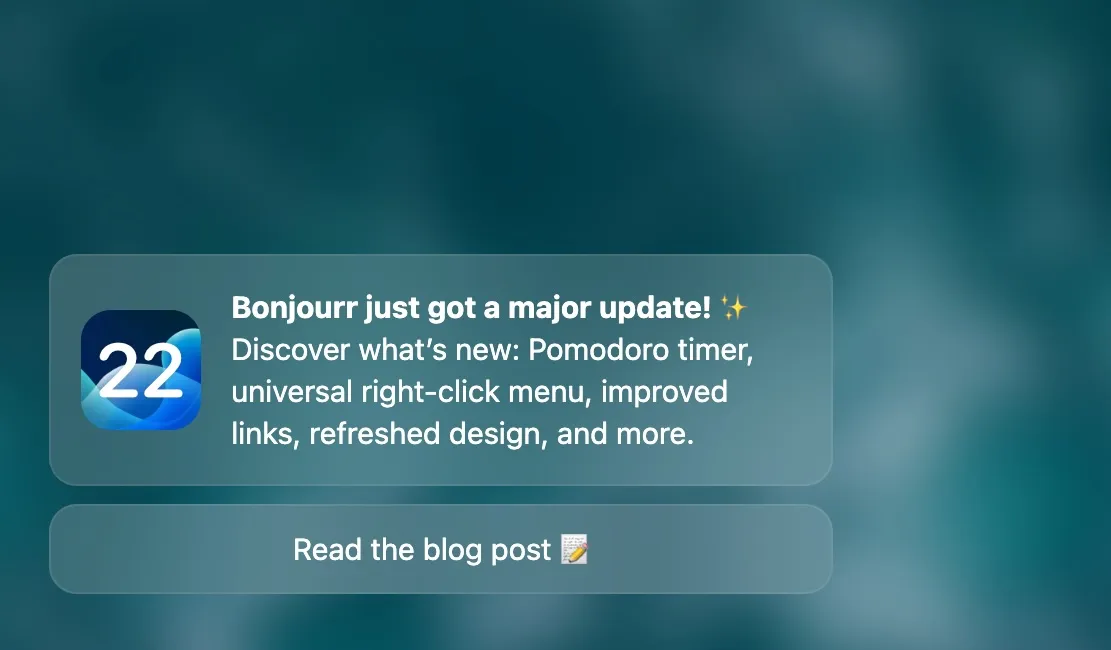
You can disable these notifications using the Updates toggle in the Notifications section of the settings (visible after having toggled Show all settings).
❤️ Supporters notification
Section titled “❤️ Supporters notification”The supporters notification was introduced with Bonjourr 20.4 and is our way to thank people who support us on Ko-Fi. It appears at the start of each month and reflects the donations of the previous month.
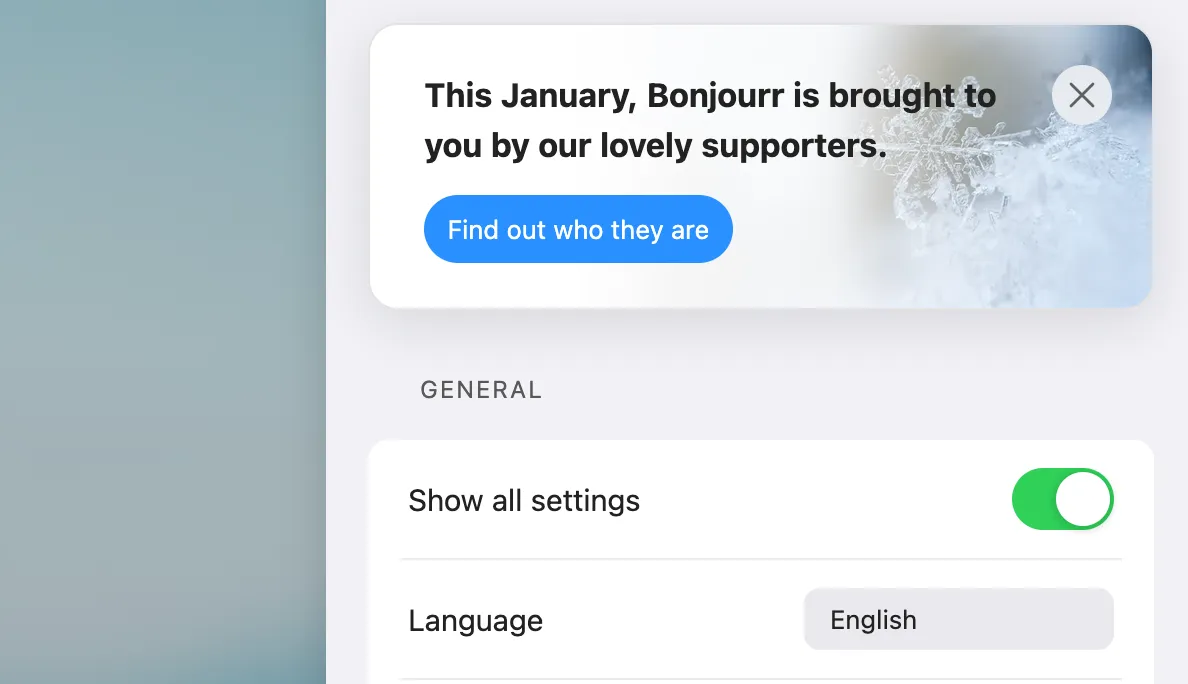
If you’d like your name to appear in the supporters notification, you can donate on Ko-Fi. If you’d like to donate without having your name appear in it, be sure to send us a message when donating.
The supporters notification can be fully disabled in the settings panel, Show all settings first, then Supporters notification in the Notifications section.